
 View template
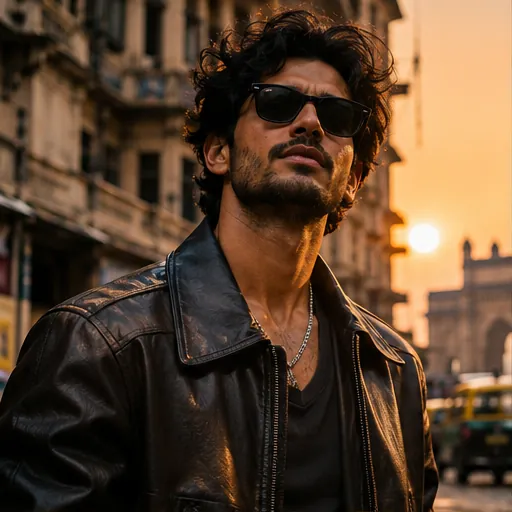
Golden Hour Hero
Warm light. Main-character energy.
AI PHOTO & VIDEO STUDIO
Explore AI image and video ideas for your next story, from cinematic portraits and saree edits to Diwali greetings and moments in motion.
Original AI artwork. Results vary with your photo and prompt.
THE TEMPLATE COLLECTION
Explore nine original photo and video prompt templates. Open a template to see its style references, read the full prompt and find ideas for your next edit.
Showing 6 of 9 templatesOriginal AI examples. Edit every prompt.
View templateWarm light. Main-character energy.
 View template
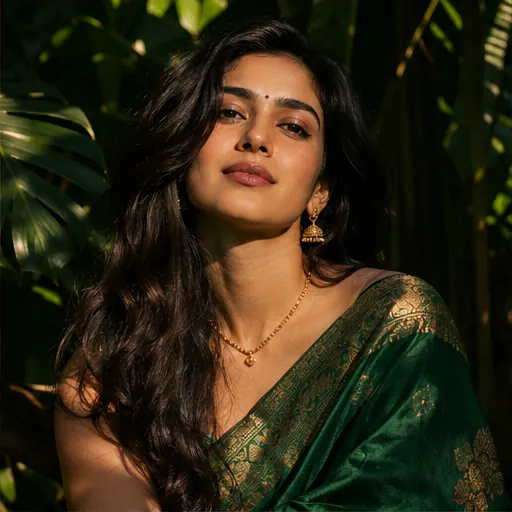
A timeless look, in your own style.
 View template
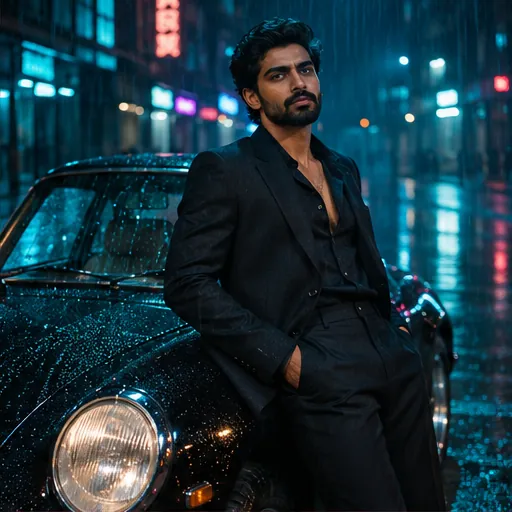
Rain-soaked streets. Cinematic blues.
 View template
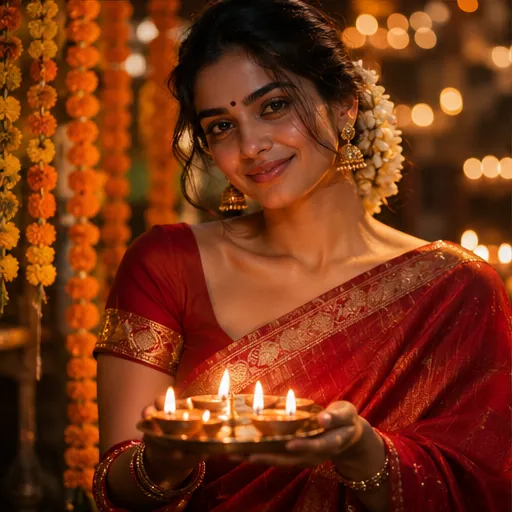
Diyas, warm light and a festive feeling.
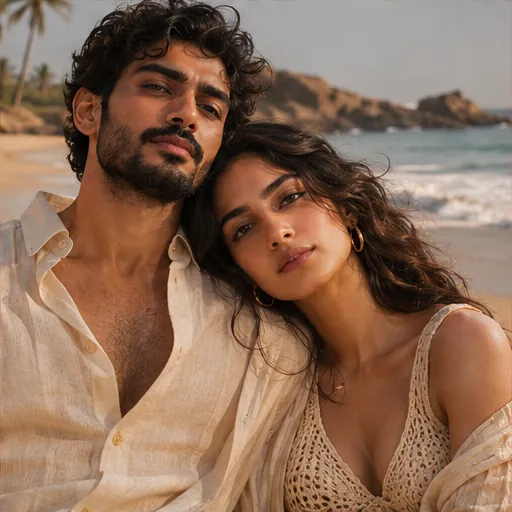 View template
Your favourite person. A golden moment.
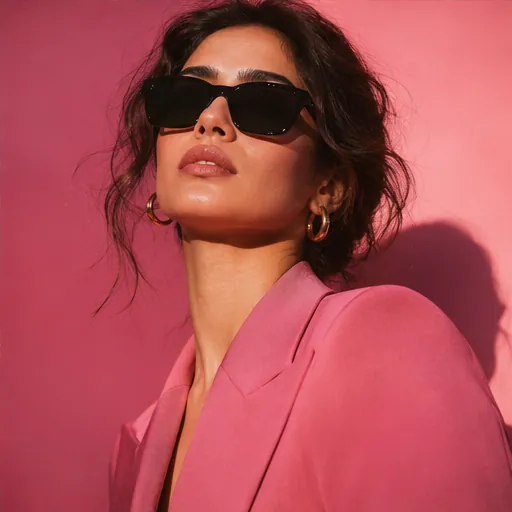 View template
Studio lighting. Unapologetic style.
Choose a look, add your photo, and make it yours.
Style previewThis is a style example. Your own result will appear here after generation.
Choose a style, add your photo or prompt, then generate. The studio shows the cost before you submit.
Explore the template pages and compare the example images.
Copy the original prompt and adapt the outfit, setting and lighting.
Check the cost in the studio, generate, then review and download your result within 24 hours.
Bring a photo to life with a gentle camera push, drifting fabric or a rainy city scene. Choose a motion prompt, upload a photo and generate a five-second video with purchased credits.
Motion concept preview, not a generated video. Create your own in the video studio.
Vikas Editor AI is an online image and video generation website with a focus on creators in India. A favourite selfie can become a cinematic portrait, a festive greeting or the first frame of a short video. Start with a photo or describe an image in your own words, then explore a different light, wardrobe or setting. The creative choices stay with you.
Explore the template gallery for saree portraits, Diwali photo edits, couple pictures and cinematic styles. Each example includes a prompt you can inspect and customise before generating. Use it as a starting point for an Instagram post, a WhatsApp greeting or a personal moodboard, then refine the details to fit your story. Creators outside India are welcome too.
Think in light and atmosphere: warm sunset edges, deep shadows or a rain-soaked city at night. A cinematic portrait works best when the location, expression and colour palette support the same mood. Try the Golden Hour or Midnight City template as your starting frame.
Build a fashion edit around fabric, colour and posture. An emerald saree against foliage feels different from a pink studio portrait with bold accessories. Describe the material and the light, and keep distracting background details to a minimum so the person remains the focus.
For Diwali photo editing, use the warmth of diyas, festive clothes and a gently illuminated background. For a couple portrait, describe both people and a shared setting. Upload photos you have permission to use, and review personal and cultural details before publishing the result.
Good Vikas editing prompts describe a clear scene. You do not need a long list of camera jargon. Tell the AI what matters most, then let the template help you organise the idea.
Name the subject, setting, outfit and lighting. Add a mood such as quiet, celebratory or dramatic. Specific instructions give your edit a stronger direction than repeating words like beautiful or high quality.
Choose one main visual direction. Asking for bright midday sun and a dark midnight street at once can produce confusing results. Keep facial preservation, lighting and composition instructions consistent with the source photo.
Review your first result before rewriting everything. If the composition works, change just the background, colour or light. Each generation is a new interpretation, so small, deliberate adjustments make comparisons more useful.
AI exampleA CINEMATIC PORTRAIT PROMPT
Create a cinematic portrait using the uploaded photo. Preserve the subject’s facial features. Dress them in a charcoal jacket beside a rain-lit city window. Use soft side lighting, muted teal shadows and natural skin texture. Keep the background simple and the expression relaxed.
A few useful answers about AI photo editing, prompts and video generation.
Vikas Editor AI runs in your phone or desktop browser. Browse templates, generate images with Nano Banana 2 and animate photos with Seedance 2.0. No app download is needed.
Browsing templates and copying prompts is free. Each account gets one free image. Further images and every video require purchased credits. Confirmed failures restore the credits or free attempt.
Choose a template and open it in the studio. Add a photo you have permission to use, adjust the prompt and generate. Review the result and download it within 24 hours.
No. Vikas Editor AI is an independent website and is not affiliated with Editing By Vikas or any individual creator. If you searched for “editing by vikas” or “template by vikas editing”, the templates here are our own creative references, not official templates from that creator.
The Diwali Glow template includes a full prompt with a crimson saree, glowing diyas, marigold flowers and warm light. Its page also includes three style references and notes for festive portraits and greetings. Check personal and cultural details before sharing an edit.
Yes. Upload a photo, choose a motion prompt and generate a five-second 720p clip with Seedance 2.0. Video generation requires purchased credits; the free image allowance does not apply.