03 / FIND YOUR WAY
Vikasheditor: Find the Right Site & Editing Workflow
Searching for vikasheditor? Understand similar Vikas names, identify this website and choose the right path for prompts, AI photos or short videos.
Explore templates on the homepage
If you arrived here after searching vikasheditor, start by deciding what you want to do: find a particular creator, copy a photo prompt, generate an image or make a short video. The spelling alone does not reliably identify one app or website. This guide helps you identify the destination and then choose a workflow that fits your task.
The service described on this page is Vikas Editor AI at vikas-editor.net. Its homepage contains original templates and a browser-based studio. Similar names elsewhere do not imply a shared owner, account, subscription or credit balance.
What does “vikasheditor” refer to?
We did not find a clear, independently established product defined by this exact spelling in our research. It is useful to treat it as an ambiguous search, rather than assume that every result points to the same company. You may be looking for “Vikas Editor,” “Vikas Edit,” or resources associated with “Editing By Vikas.”
There are concrete differences between these destinations. Vikas Edit's own about page identifies Vikas Verma and describes photo/video editing resources, including prompts and PNG files. Editing By Vikas describes a library including prompts, CapCut templates and VN codes. Those descriptions establish what each site says it offers; they do not establish a relationship with this website.
If you followed a creator from a social profile, use the link supplied by that profile. If you want to use this site's image generator, start at the Vikas Editor homepage. You can read our full beginner guide once you have chosen that workflow.
Check the destination before creating an account
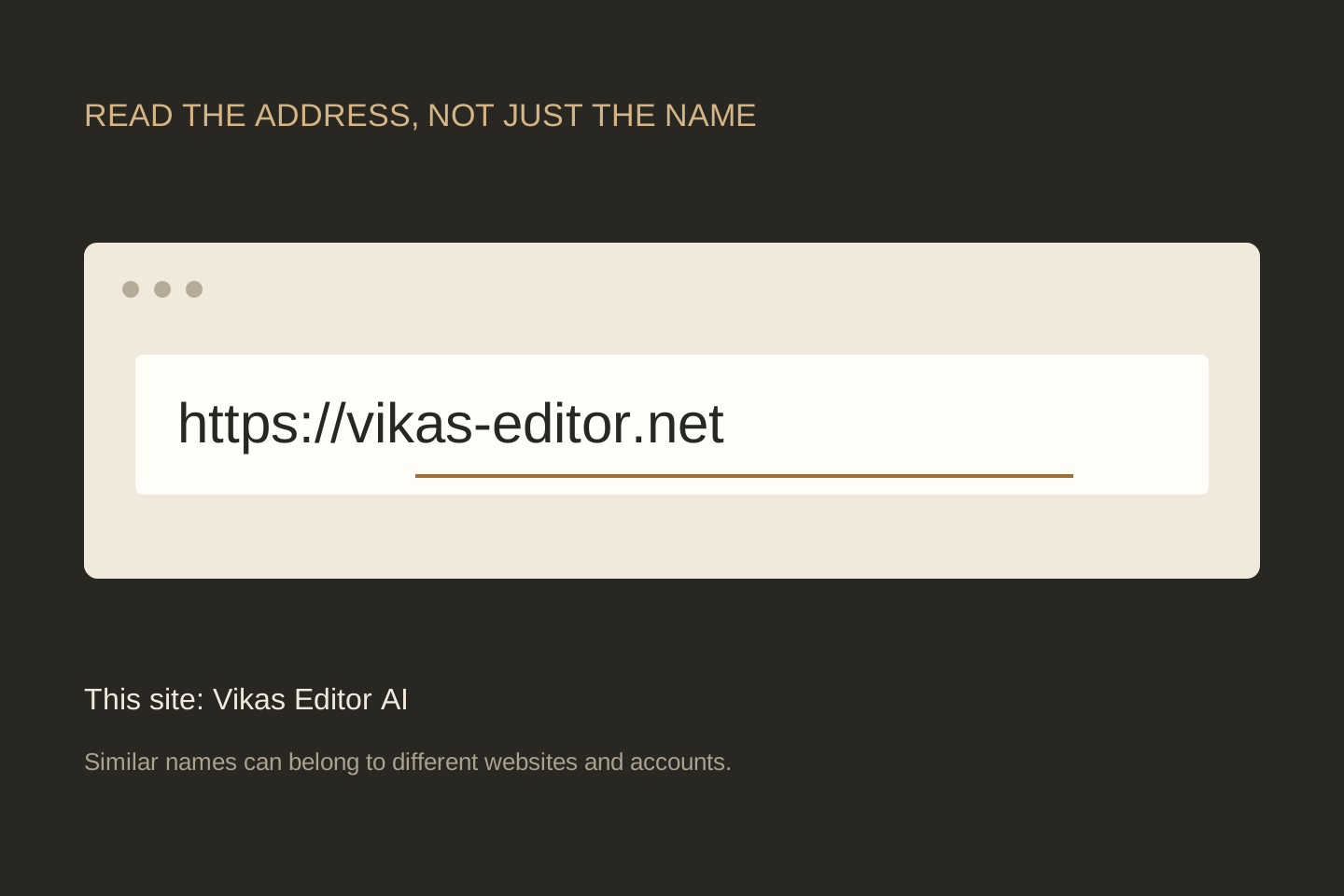
Read the whole address in the browser. This site includes a hyphen: vikas-editor.net. A similar word with a different ending or punctuation can be a different website. A copied logo or a familiar headline is not enough to confirm that two pages share an account system.
Before signing up, locate the service's pricing, support and privacy information. Check whether you are buying a single credit pack or a recurring subscription. If you already paid somewhere, return to the exact domain shown on that service's receipt; credits from another website will not appear here.
The logo guide shows this site's own mark and original asset. It is useful for identifying a link or writing a tutorial, but the address remains the better way to confirm your destination.
Choose by the output you need
| Your goal | A useful starting point | What you need |
|---|---|---|
| Find words for an edit | A prompt guide or a full template page. | An idea of the subject, scene and light. Copying a prompt does not generate an image. |
| Restyle your own portrait | The image studio with a reference photo. | A clear JPG, PNG or WebP photo up to 5 MB, plus an editable prompt. |
| Create a new scene from text | Image mode without a reference photo. | A description. A generated person will not be anchored to your identity. |
| Animate a still image | The video studio with an image and motion instructions. | A source image and purchased credits. Start with restrained movement. |
| Make a beat-synced or birthday montage | A template for the intended video editing application. | The matching application and the photos or clips required by its template. A text prompt is not a VN code. |
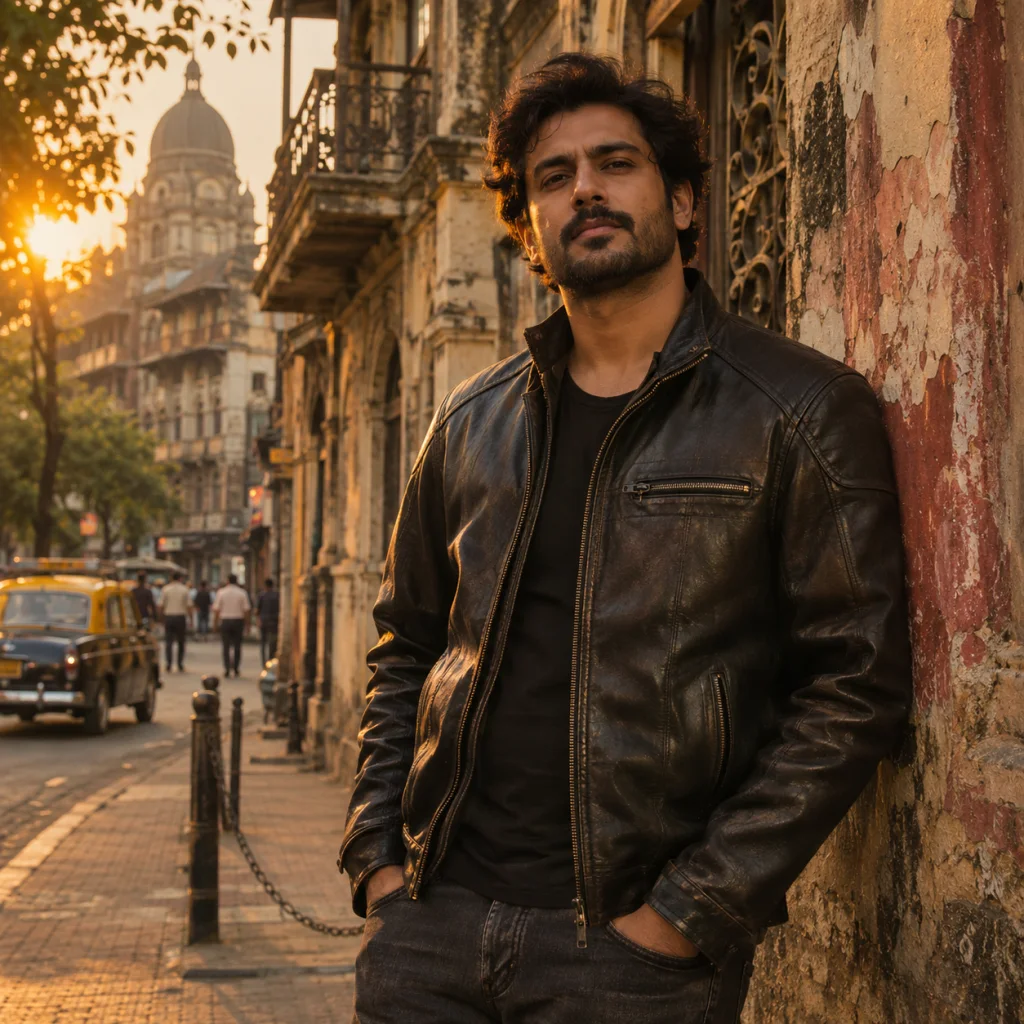
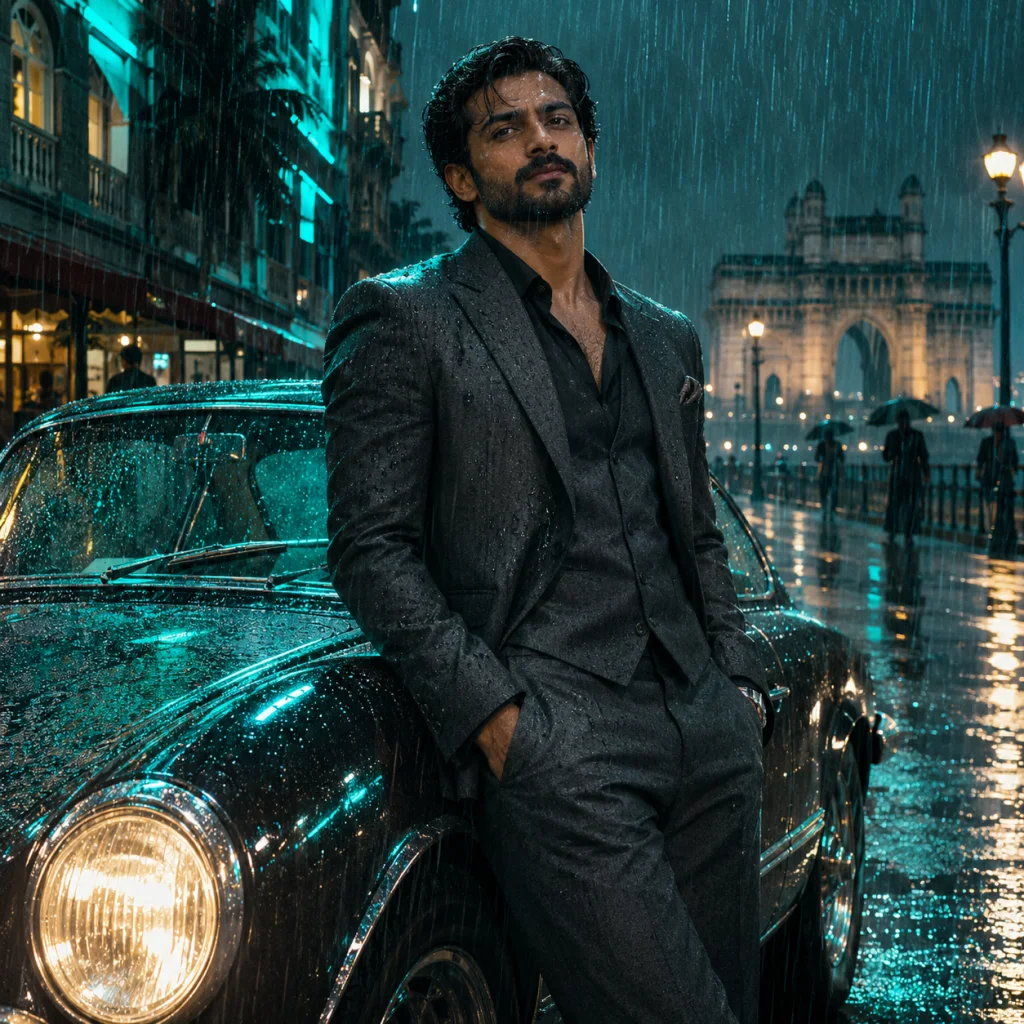
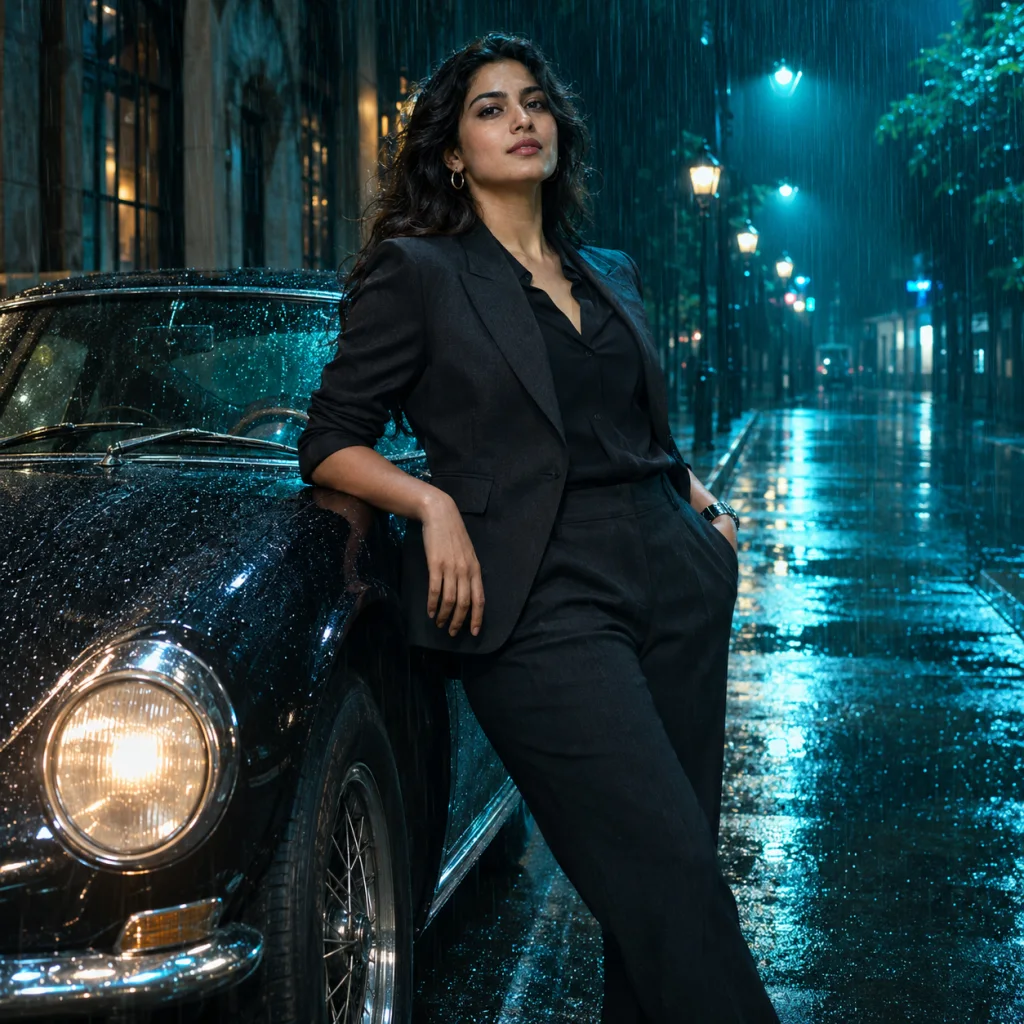
For a photo, browse Golden Hour Hero, Emerald Saree or Midnight City. Each template explains a different visual direction. Read the prompt, adjust the details and then open it in the studio.
For motion, decide what should move and what should remain stable. A slow camera push toward a stationary person is a more focused instruction than a walking subject, a rotating camera, changing clothes and an exploding background in the same short clip. Our current video workflow produces a five-second 720p clip; check the studio before generation for the active settings and cost.
A simple mobile workflow
- Open the homepage in your browser. Use the navigation menu to choose AI Image or AI Video. Bookmark the exact website after confirming it is the one you want.
- Pick the original photo from your device. If the file is too large or uses an unsupported format, export a JPG, PNG or WebP copy below the 5 MB limit.
- Write a short, coherent instruction. Use the prompt workshop for examples. Copy the recipe, then replace clothing or scene details that do not fit.
- Review the generation message. One image is free per account here. Further images and every video need purchased credits. The pricing page explains the packages.
- Save the finished file promptly. Keep a local copy rather than relying on a temporary result URL or a browser screenshot.
Match the problem to the next step
You have a prompt but no image. A prompt is just text. Open the image studio, add a photo if you want it used as a reference, paste the instructions and submit there.
The wrong style loaded. Return to the template page and use its own studio button, or replace the prompt with your chosen recipe. A similar thumbnail does not guarantee identical instructions.
Your balance looks wrong. Confirm the domain and signed-in account first. Then check payment history. A PayPal approval page or an unpaid order is not evidence that payment completed. Send support the order reference if a completed purchase is missing.
You wanted a specific creator's resources. Follow that creator's own published link. This site does not operate their profile, distribute their private files or share their account credentials.
Common navigation questions
Is Vikasheditor a separate feature on this site?
No. This guide helps people using that search spelling find the relevant workflow. Our product name is Vikas Editor AI.
Do I need an APK to use this website?
No. This site's tools run in a browser. Use the homepage or the direct image and video entries.
Which page should I bookmark?
Bookmark the homepage for templates and guides, or the studio page for your preferred media type. For account questions, use support@vikas-editor.net.