STYLE & PROMPT GUIDE
Editing by Vikas Templates & Prompts
What "editing by vikas" templates and prompts are, why many links break, and how to recreate the same looks with Vikas Editor AI. Independent guide.
Explore templates on the homepage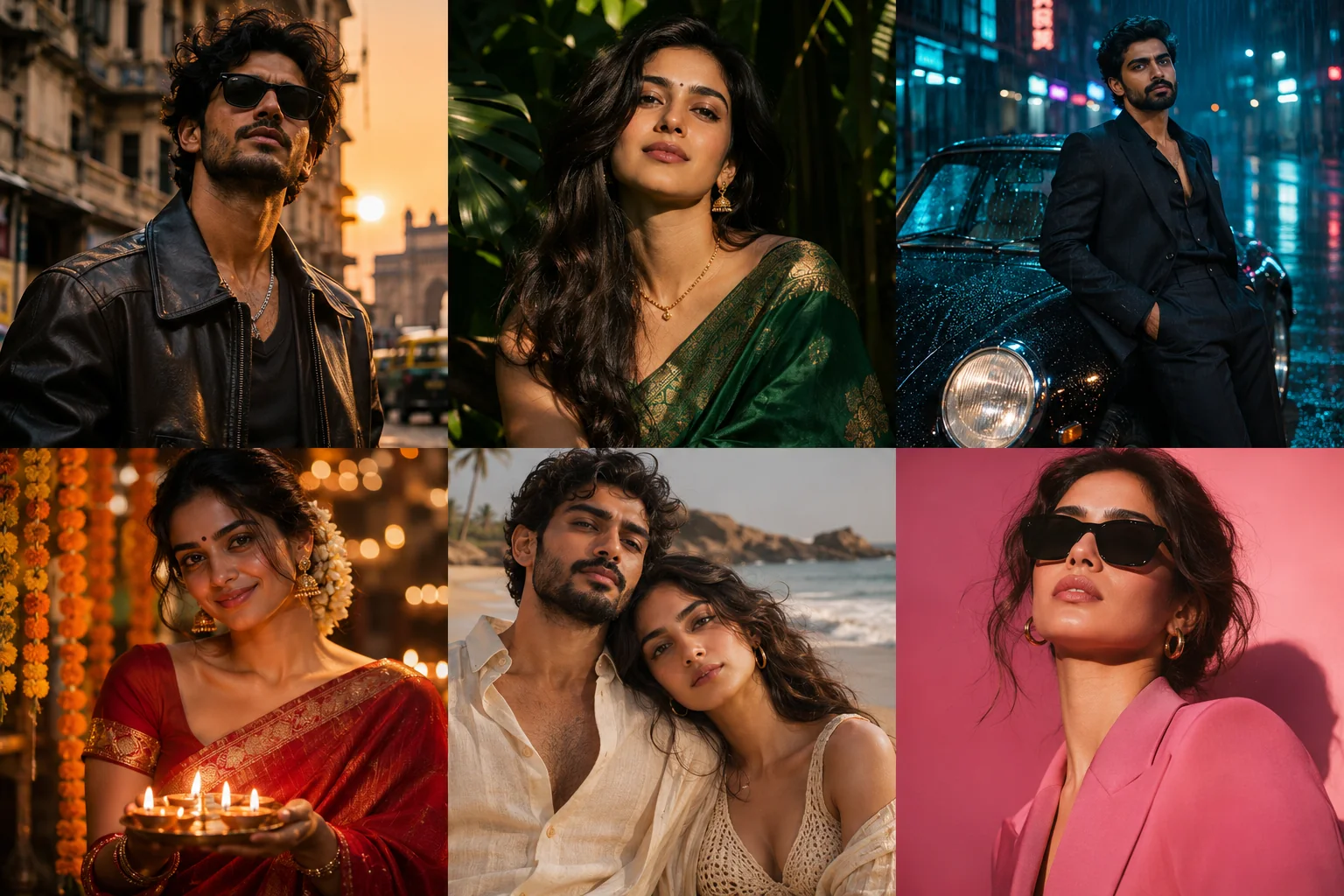
What people mean by "editing by vikas"
People searching for “editing by vikas” often want a recognisable AI photo-editing look: a cinematic portrait, a richly coloured saree, a festive Diwali scene or a photograph with gentle video motion. The phrase is also associated with creator content. It is not the name of a built-in feature on every website that mentions Vikas, and it does not identify one interchangeable download format.
The look can travel in three different forms. A CapCut template is an editing project opened in CapCut, usually with slots for your photos or clips and a prepared sequence of effects. A VN code or template link points to a project intended for VN; it is not an image prompt that another generator can automatically understand. An AI prompt is a written description of the subject, lighting, clothes, setting and motion that you give to a compatible image or video tool.
Before trying a link, check which of those three things you actually need. Vikas Editor AI provides its own prompts and a browser-based creative studio. It does not import CapCut projects or VN codes, and this guide does not distribute another creator’s original files. You can use a visual reference to describe a similar mood while making your own edit.
Why the template links often don't work
A link may point to a project that was removed or made private, or to a share destination that no longer resolves. A repost can also preserve the caption while losing the useful original link. Opening the creator’s current source page is more informative than repeatedly following an old copied address.
Availability can depend on the app, device or region. A template made for a mobile editor may not open as an editable project in a desktop browser, and an unavailable template is not necessarily a problem with your photograph. Check the destination app’s own message before changing your account or paying for access; CapCut’s template help explains its app and regional availability.
Names can change as well. A creator may rename a post, a template or an account, while a search result still displays the earlier wording. Compare the publisher and destination rather than assuming every page with a similar name is the same service. If the source project is unavailable, a prompt-based recreation lets you work from the visual idea without depending on that exact link.
How to recreate the look yourself
Choose a clear photo you have permission to use, pick one main visual direction, and adapt the prompt to the actual person and clothing in your image. Keep facial identity and natural skin colour explicit. Review the still before animating it; a video model will not reliably repair a face or hand that is already wrong in its starting frame.
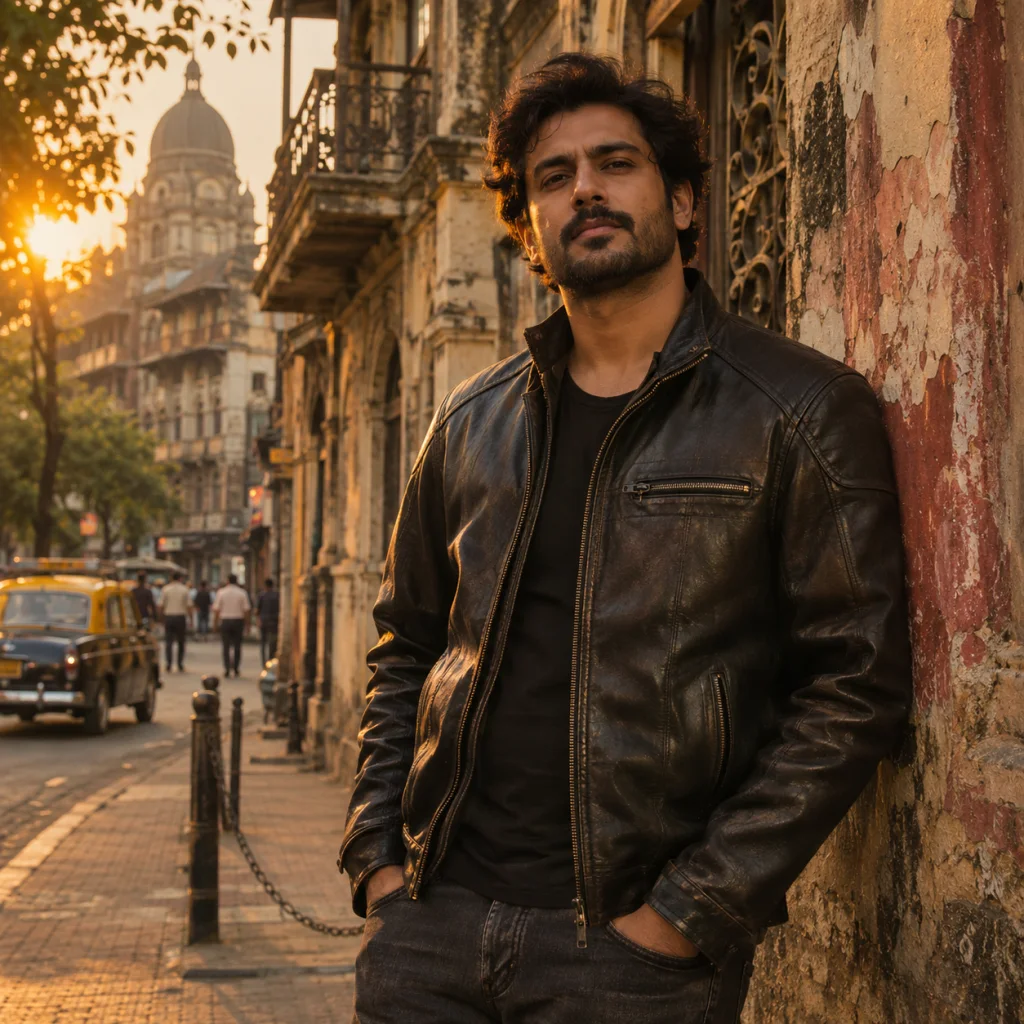
- Golden hour portrait prompt — warm side light, a cinematic street setting and a strong solo portrait.
- Emerald saree AI edit — green fabric, restrained gold details and soft light that keeps the saree drape readable.
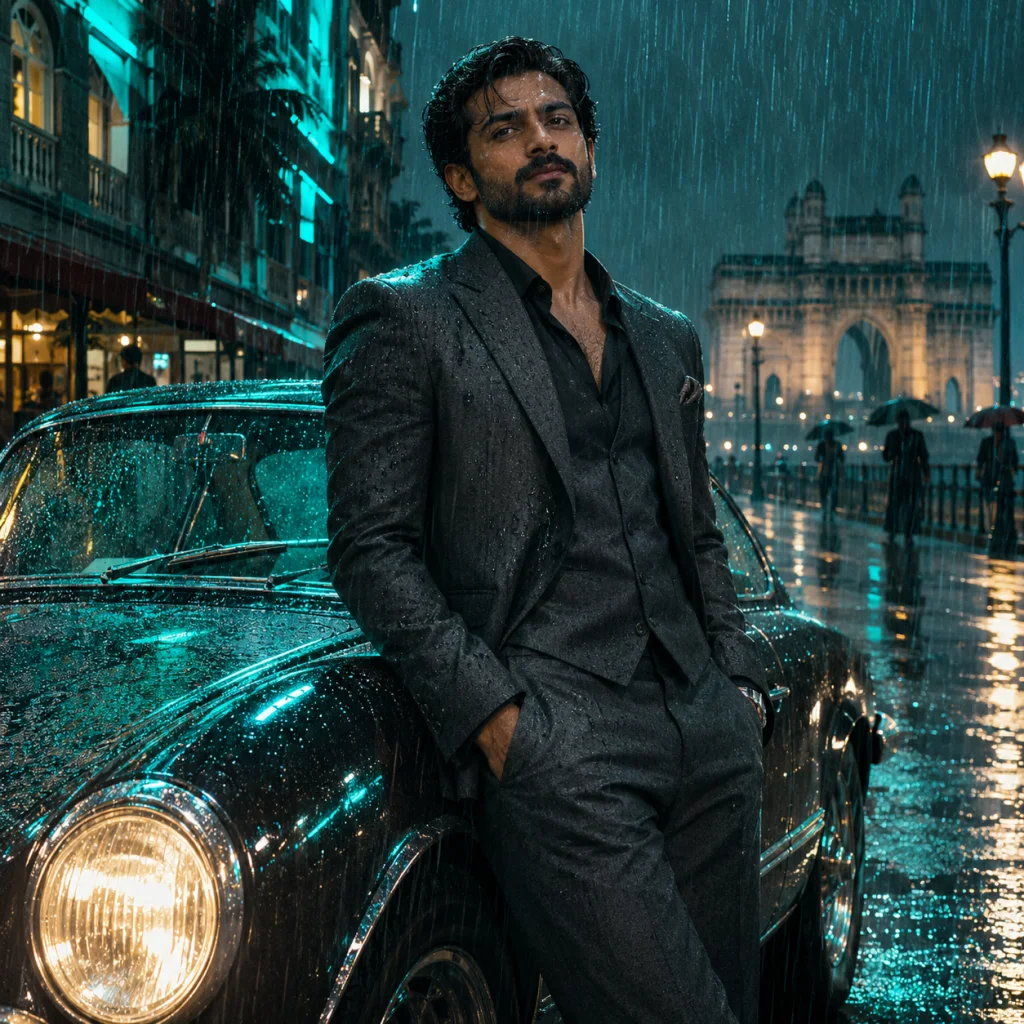
- Midnight city neon portrait prompt — a night-street look with coloured reflections and a clearly lit face.
- Diwali photo editing prompt — diyas, marigolds and a festive saree portrait that can become a starting frame for a gentle Diwali video.
- Sunset couple portrait prompt — two people sharing warm evening light, with separate facial detail and a quiet horizon.
- Pink Editorial (Spotlight) fashion prompt — a pink studio setting and a clean editorial pose; Pink Editorial and Spotlight name the same look here.
- Cinematic push photo to video prompt — a slow camera approach around a largely still subject for a restrained five-second clip.
- Night drive video prompt — moving city reflections around a stable night portrait, with limited head and camera movement.
- Living memory photo animation prompt — small, gentle motion that retains a photograph’s original clothes, age and setting.
Each page includes a full prompt to copy, three still style references and adjustments for the specific look. The video examples are starting-frame references, not a promise of identical motion. Use the AI photo editor for a still, or upload a checked image to photo to video AI. Free-image eligibility and paid-credit costs are shown in the studio; copying the prompts is free.
The independent note
This is our independent take on the festive AI photo look trending as "editing by vikas". Not affiliated with that creator or any of his channels.
The examples and instructions on vikas-editor.net describe this website’s own workflow. They are not evidence of an endorsement, partnership or shared account with a similarly named creator. Use the original publisher’s page when you specifically need their project file or channel.
Frequently asked questions
Is Vikas Editor the same as Editing by Vikas?
No. Vikas Editor AI at vikas-editor.net is an independent image and video tool. A creator’s channel, social post or shared editing project is a separate resource. Similar names do not make the accounts, subscriptions or template files interchangeable.
Do I need the original template to get this look?
You need the original project to reproduce its exact timeline, transitions and app-specific settings. You can create your own image with a similar lighting or clothing direction using a clear photo and a written prompt, though the result will differ and is not guaranteed to match the reference.
Which style is easiest to start with?
Start with Golden Hour Hero for one person with a clear face and a simple outfit. It lets you adjust light and background without adding complex motion or several people. If your source is already a saree portrait, Emerald Saree gives more relevant fabric and drape guidance.
Can I make a Diwali video in this style?
Yes. Begin with the Diwali Glow prompt, check the face, hands and lamps in the still, then upload it to the photo-to-video studio. Ask for a gentle camera push, slight flame movement and a stable face. Video generation uses purchased credits and results vary; this does not require or import a CapCut template or VN code.